> For the complete documentation index, see [llms.txt](https://support.datech.ai/llms.txt). Markdown versions of documentation pages are available by appending `.md` to page URLs; this page is available as [Markdown](https://support.datech.ai/influx/outreach/mass-message-tiktok-creators-via-target-invites.md).
# How to Mass Message TikTok Creators via Target Invites?
Influx Bulk Targeted Collaboration Plan builds efficient influencer outreach solutions, **reaching 10,000+ creators in just 3 minutes!** Powered by **exclusive TikTok official APIs**, it ensures secure and stable delivery, boosting collaboration success rates to **90%**!
TikTok US Creator Targeted Invitation New Rules Update:
The maximum number of daily targeted bulk invitations is now determined by store GMV. Previously, both local and cross-border stores had a daily cap of 10,000 invitations. Under the new rules, the limit is based on the store's GMV over the past 30 days.
* Currently fully effective for cross-border stores
* Rolling out for local stores
* Under $2K GMV: 2,000 creators/**week** (creators ≤20K followers)
* 2K−50K GMV: 7,000 creators/**week**
* Over $50K GMV: **No limit**
## 📝Step-by-Step Guide
{% stepper %}
{% step %}
### **Navigate to Your Campaign**
Go to **Campaign > Campaign Management** and select the campaign you want to use for influencer outreach.
{% endstep %}
{% step %}
### **Filter Your Target TikTok Creators**
Use the filters Status (Campaign Status), Contact Status, and **Tag** to narrow down the influencers you wish to invite via Targeted Collaboration Plan.
Select them and click "Target collaboration" to open the editor.
{% hint style="warning" %}
**Tips:**
Click **"Send target collaboration to all"** to instantly select all creators in your campaign!
{% endhint %}
{% endstep %}
{% step %}
### Fill in the Collaboration Details
> Fields are identical to those in the TikTok Shop seller center.
In the collaboration plan editor, craft your invitation message for collaboration.
{% hint style="success" %}
#### How to Use the Target Collaboration Editor?
* **Target Collaboration Name** – Use your campaign name or customize it. (max: 25 characters).
* **Shop** – Select the store.
*Note: Ensure the store region matches the influencer’s region.*
* **Product** – Choose the product you want the TikTok Shop influencers to promote. The dropdown will auto-load products from your selected store.
* **Commission Rate** – Set the commission percentage for the influencers.
* **Offer Free Samples** – Choose whether to provide free samples. If enabled, decide between **automatic or manual approval** for sample requests.
* **Message** – Write an introduction to the collaboration offer.
* **Collaboration Valid Until** – Set the expiration date for the invitation.
* **Contact Email** – Provide your business contact email.
{% endhint %}
{% hint style="warning" %}
**Why can't I set ad commissions?**
As ad commissions are a newly added feature on TikTok, the platform has not yet opened the ad commission API. Therefore, one-click ad commission setup is temporarily unavailable.You need to **manually set ad commissions** in your TikTok Shop backend.
Once TikTok opens the ad commission API, we will immediately implement this feature in Influx.
{% endhint %}
{% endstep %}
{% step %}
### **Send the Targeted Collaboration Invitation**
Click **"Create"** to send Targeted Collaboration.
{% endstep %}
{% step %}
### **Track the Collaboration Request**
Navigate to Invitation > **Target collaboration list** to track all historical Targeted Invitations.
All invitation records with your TikTok Shop Seller Center for seamless follow-up.
Here you can **one-click bulk delete** ended or unreplied Targeted Invitations to free up more invitation quotas!
{% hint style="info" %}
All Targeted Invitations sent via Influx automatically sync to the TikTok Shop Affiliate Center, where you can also view them.
**Click to learn more:**[0702 | Manage Targeted Collaborations in One Place](https://support.datech.ai/influx/whats-new/20250702)
{% endhint %}
{% endstep %}
{% step %}
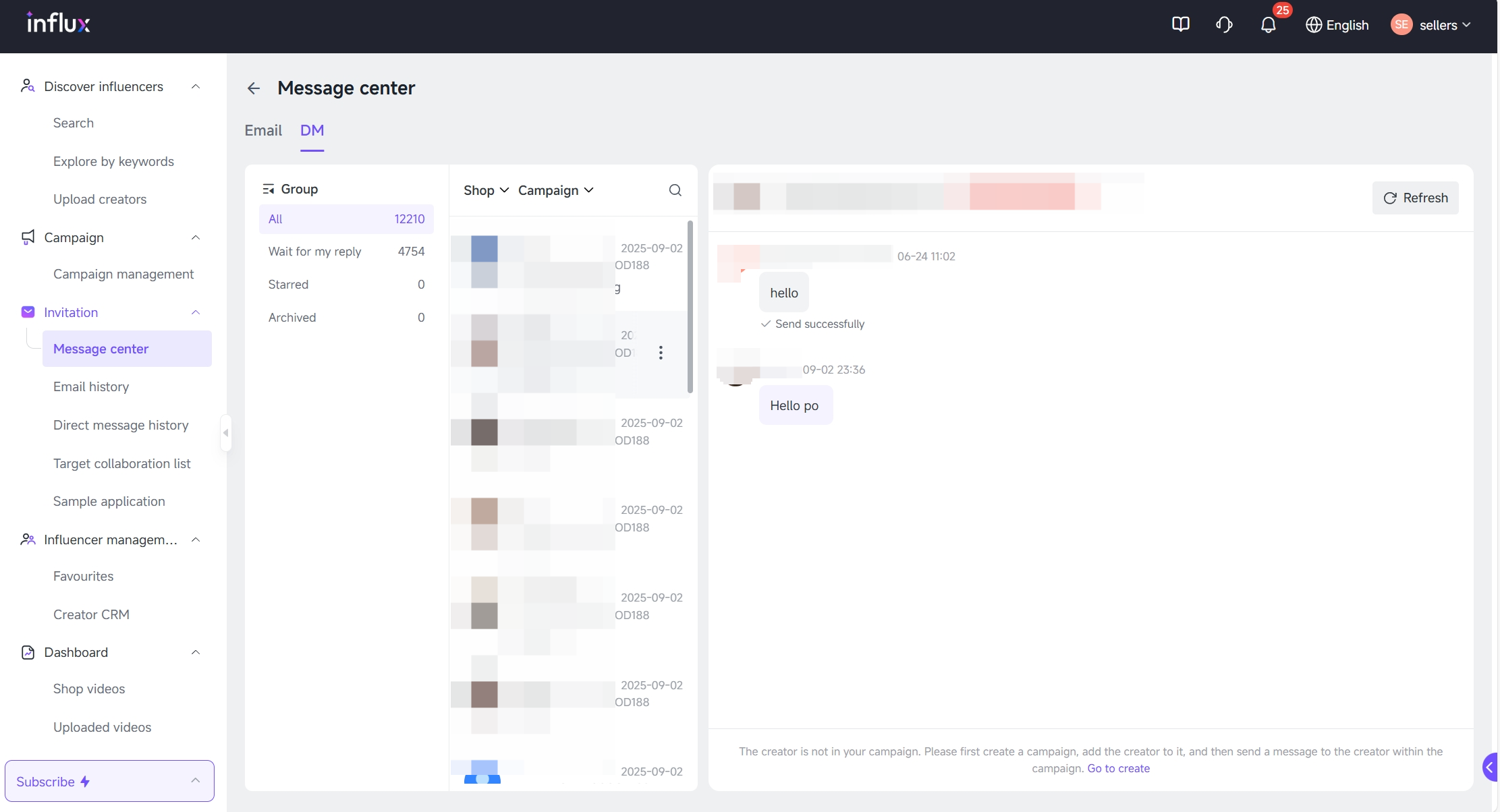
### **Reply to Creator in Message Center**
Use **Message Center** to continue conversations and negotiate collaborations.
{% endstep %}
{% endstepper %}
## 🎊You did it!
Elevate your influencer marketing with Influx Bulk Targeted Invitations—now smarter, standardized, and highly responsive!
#### Need Help?
| | [WhatsApp](https://wa.me/message/WIQCGJNSFBBUK1) |
| -------------------------------------------------------------------------------------------------------------------------------------------------------------------------------------------------------------------------------------------------------------------------------- | ------------------------------------------------------------------------------------------------------------------------------------------------------------------------------------------------------------------------------------------------------------------------------------------------------ |



 [WhatsApp](https://wa.me/message/WIQCGJNSFBBUK1) |
| -------------------------------------------------------------------------------------------------------------------------------------------------------------------------------------------------------------------------------------------------------------------------------- | ------------------------------------------------------------------------------------------------------------------------------------------------------------------------------------------------------------------------------------------------------------------------------------------------------ |
[WhatsApp](https://wa.me/message/WIQCGJNSFBBUK1) |
| -------------------------------------------------------------------------------------------------------------------------------------------------------------------------------------------------------------------------------------------------------------------------------- | ------------------------------------------------------------------------------------------------------------------------------------------------------------------------------------------------------------------------------------------------------------------------------------------------------ |