# V03 | 邮件Follow-Up功能上线

在与达人合作过程中，第一封邮件可能并不能带来即时回应。为了帮助你提升邮件邀约的响应效率，**Influx 推出了全新 「邮件 Follow-Up」 功能**，让你可以根据邮件表现灵活制定第二轮、第三轮甚至更多的后续沟通策略，真正实现精细化触达与持续优化。

## **✨ 核心功能亮点：**

### **1. 自定义发送**

你可以在推广活动中，基于第一轮发信结果，自主选择是否进行后续跟进。无论是**针对未打开还是未回复的**达人，都能通过再次发送邮件提升曝光和回应机会。

### **2. 自定义内容**

再次触达的邮件内容可根据场景灵活撰写，也支持复用第一轮邮件或进行 A/B 测试，持续优化文案表现，提升回复率。

## **如何使用邮件Follow-Up功能？**

{% stepper %}
{% step %}
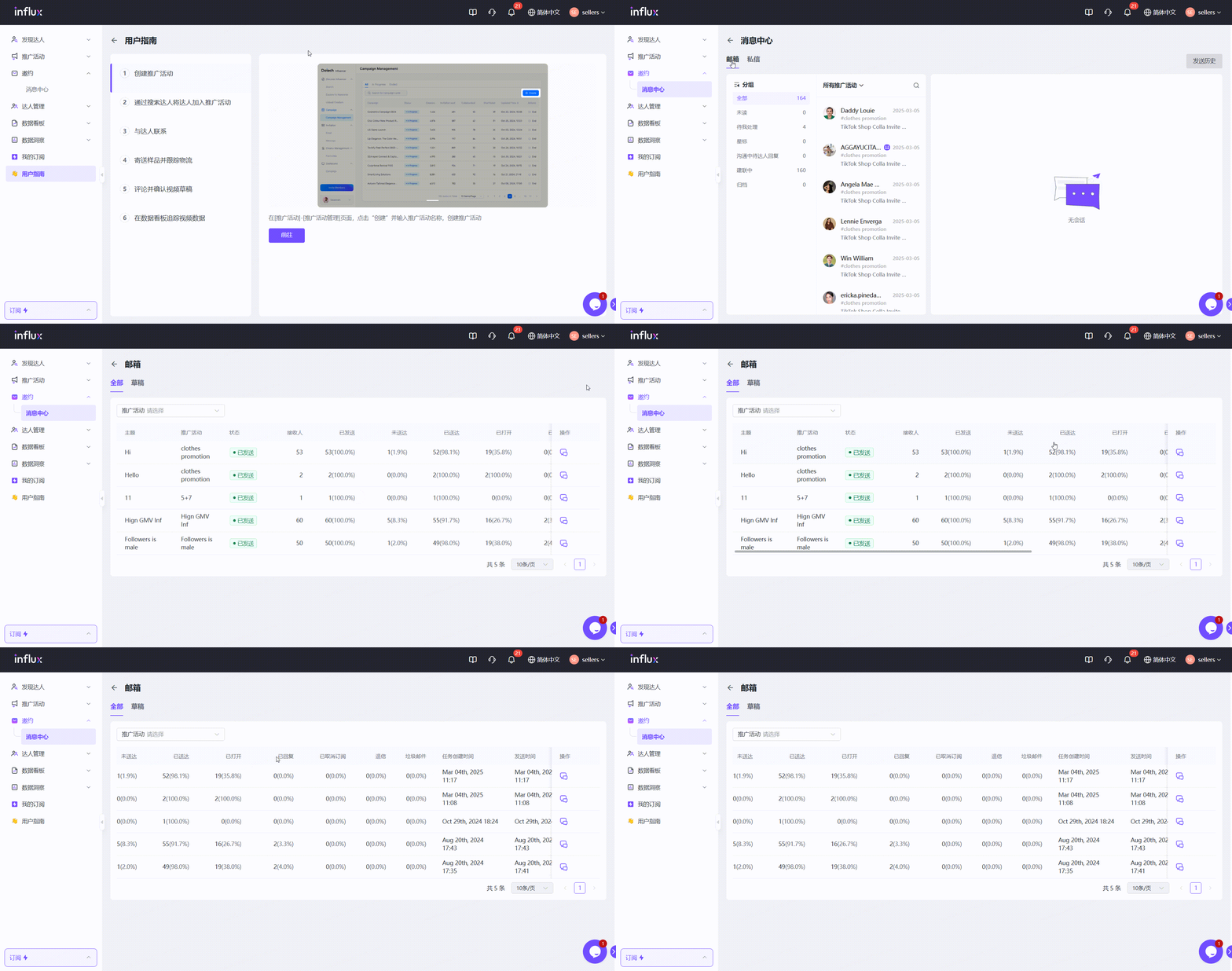
**导航至帮助中心 > 邮件，点击右侧的发送历史**

在这里你可以看到每个使用邮件与达人建联的推广活动的邮件效果，包含送达率，打开率，未打开率，回复率等。

<figure><img src="/files/E62bh7bG4IEk7fynSrGC" alt=""><figcaption></figcaption></figure>
{% endstep %}

{% step %}
**选择一个想要启动邮件follow-up的推广活动**

左侧是邮件发送详情，右侧是每一轮邮件触达情况，以及每个达人的状况。

<figure><img src="/files/WGNrD7mFpK0fWAraMZHG" alt=""><figcaption></figcaption></figure>
{% endstep %}

{% step %}

#### **筛选想要二次触达的达人，点击再次跟进**

通过筛选已送达未打开，已打开未回复或者其他状态的达人进行二次触达

<figure><img src="/files/iNrKZeBge9KeZmTbe7ga" alt=""><figcaption></figcaption></figure>
{% endstep %}

{% step %}

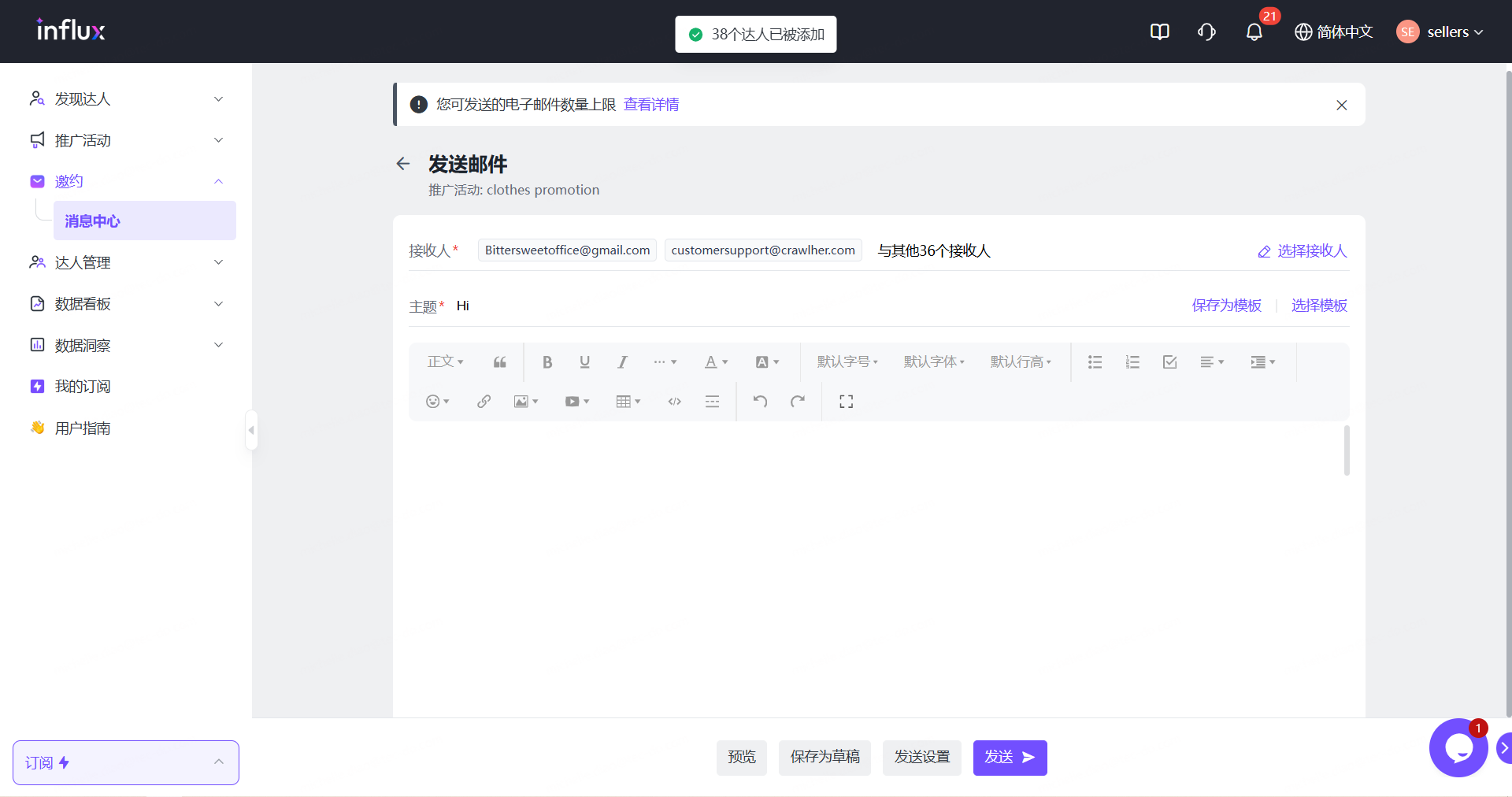
#### **进入邮件编辑页面创建新的邮件内容，并发送**

创建新的邮件内容进行A/B测试，或者复用第一轮的邮件内容。

<figure><img src="/files/KGAzwoS157Z3PSY5bfiH" alt=""><figcaption></figcaption></figure>
{% endstep %}

{% step %}

#### **查看第二轮的邮件触达效果和状态**

分析查看第二轮邮件触达情况，评估是否开启第三轮邮件触达，并重复以上步骤。

<figure><img src="/files/71QsP8iXkdVOlK84efgV" alt=""><figcaption></figcaption></figure>
{% endstep %}
{% endstepper %}

👉 [立即登录 Influx](https://kol.datech.ai/login) ，即可体验全部更新功能。

如有任何建议或反馈，欢迎随时与我们联系！

#### **需要帮助？**

| <img src="/files/oHyAxRw6uMztkvgY28XT" alt="" data-size="line">  <support@datech.ai> | <img src="/files/oMCmGb3d7PPLm47NmEfS" alt="" data-size="line">  [WhatsApp](https://wa.me/message/WIQCGJNSFBBUK1) |
| ------------------------------------------------------------------------------------ | ----------------------------------------------------------------------------------------------------------------- |

<p align="center"><a href="https://calendly.com/datech-influx/30min" class="button primary" data-icon="calendar-plus">Book a Free Demo</a></p>


---

# Agent Instructions: Querying This Documentation

If you need additional information that is not directly available in this page, you can query the documentation dynamically by asking a question.

Perform an HTTP GET request on the current page URL with the `ask` query parameter:

```
GET https://support.datech.ai/influx-zh/whats-new/v03.md?ask=<question>
```

The question should be specific, self-contained, and written in natural language.
The response will contain a direct answer to the question and relevant excerpts and sources from the documentation.

Use this mechanism when the answer is not explicitly present in the current page, you need clarification or additional context, or you want to retrieve related documentation sections.
